Log every expense in a travel expense tracker app
Fill in a few fields and it's saved. It works offline and syncs once you're back online.
Log an expense
- 1
Tap "+" to add a transaction
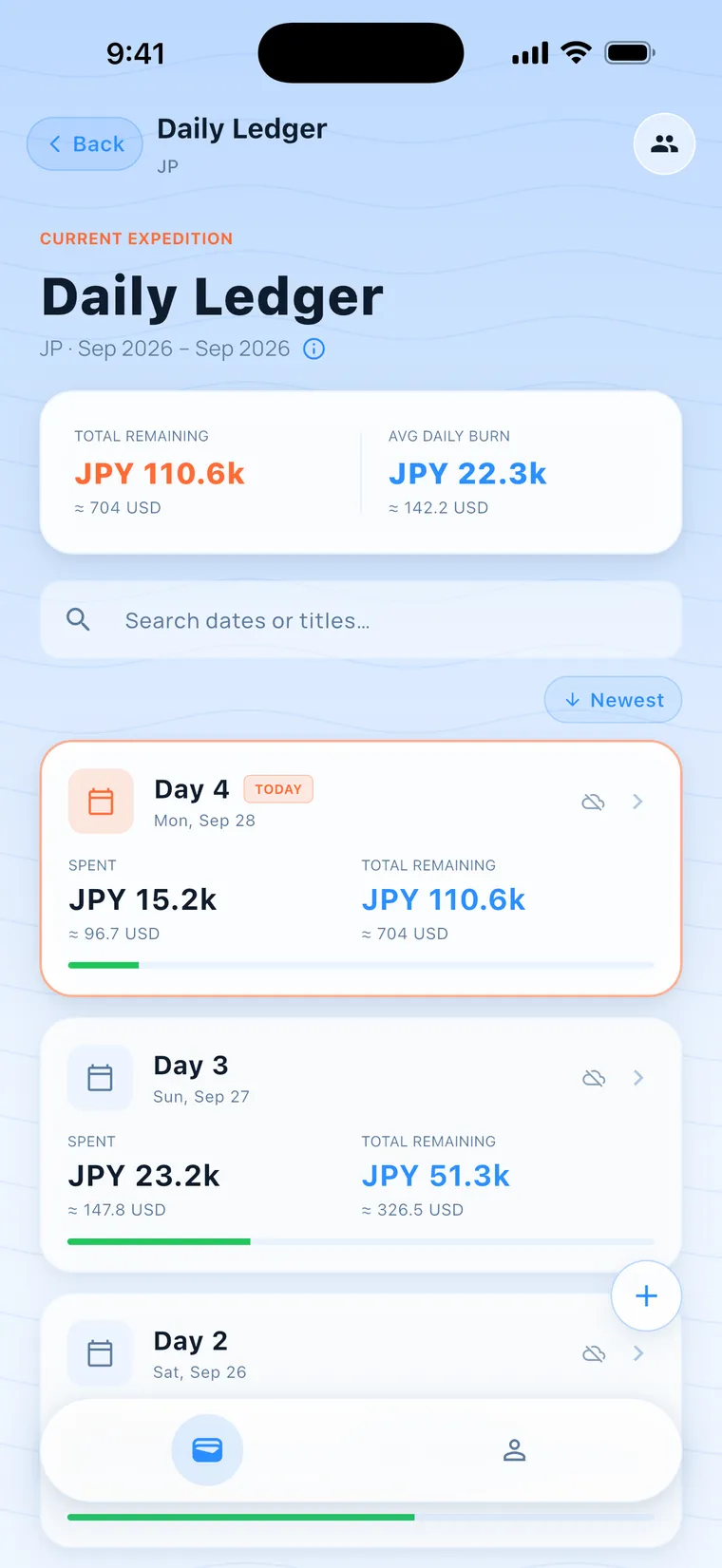
The "+" at the bottom right of the Daily Ledger lets you pick a date. The "+" at the bottom right of Day Detail uses that day. The date can't be later than today.
- 2
Pick a category, enter a title and amount
Categories are Food & Drink, Transport, Coworking, Housing, Groceries and Other. The title is required, for example "Izakaya in Shinjuku". Enter the amount in the local currency, for example JPY 28600.
- 3
Pick a payment method, and add notes if needed
Payment methods are Cash, Card and E-money. If you get a tax refund, check "Tax refund" and enter the percentage. Notes are optional.
- 4
Enter it in your home currency instead
When the trip's home currency differs from the local currency and an exchange rate is available, there's a "Tap to enter in USD" line under the amount. Tap it to enter the other currency, and the other field shows the converted "≈" value.
- 5
Tap "NEXT" or "DONE"
"NEXT" saves and keeps the form open for the next one, with a count of how many you've added at the top right. "DONE" saves and closes the form.
- 6
No signal? Log it anyway
On a mountain, in the subway or on a plane, you can still log. The expense is saved on your phone first. Offline, the app uses the exchange rate your phone last downloaded, or the built-in rate if there isn't one. In the Daily Ledger, any day that used an estimated rate has a cloud-with-a-slash icon in its top-right corner.
- 7
Tap ⓘ to read about the rate
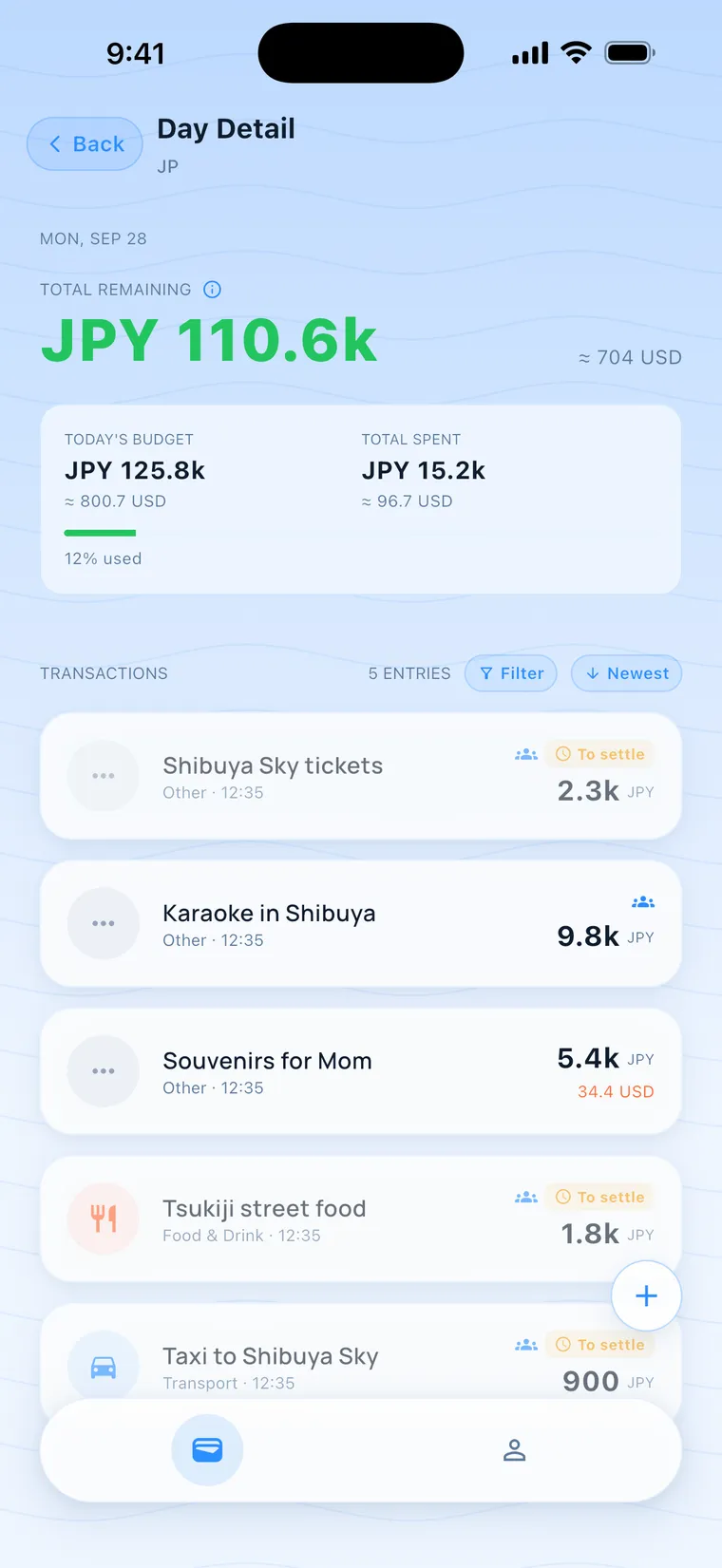
When an ⓘ shows up next to the summary title in Day Detail, tap it to see "Some rates are offline estimates and will auto-correct once online".
- 8
Edit or delete an expense
In Day Detail, swipe a transaction left for "Edit" and right for "Delete". Tap a transaction to expand its notes.
- On a split trip, the tax refund row has an extra "Split bill" switch on the right. See "Split it" for how it works.
- Expenses someone else logged and split with you show up in your Day Detail. They're read-only and you can't delete them.
- Once a split is settled, its amount and split are locked. You can still edit the notes.
- Notes can be up to 2000 characters.
How is the exchange rate worked out for expenses logged offline?
The app first uses the rate your phone last downloaded, or the built-in rate if there isn't one, shown with "≈". It corrects itself once you're online.
Will expenses I log without internet disappear?
They stay. They're saved on your phone first and sync to the server once you're online. If you sign out with data that hasn't synced, the app warns you first, because that data is deleted when you sign out.
Can I log a split offline?
Yes. Once you're online, the app checks that you're still in the group.
How large can the amount be?
It has to be under 9,900,000,000. The title is required, and the expense can't be saved with it blank.